yt-tracks
GitHub Repository →yt-tracks documentation
A fast, terminal user interface client for YouTube Music.
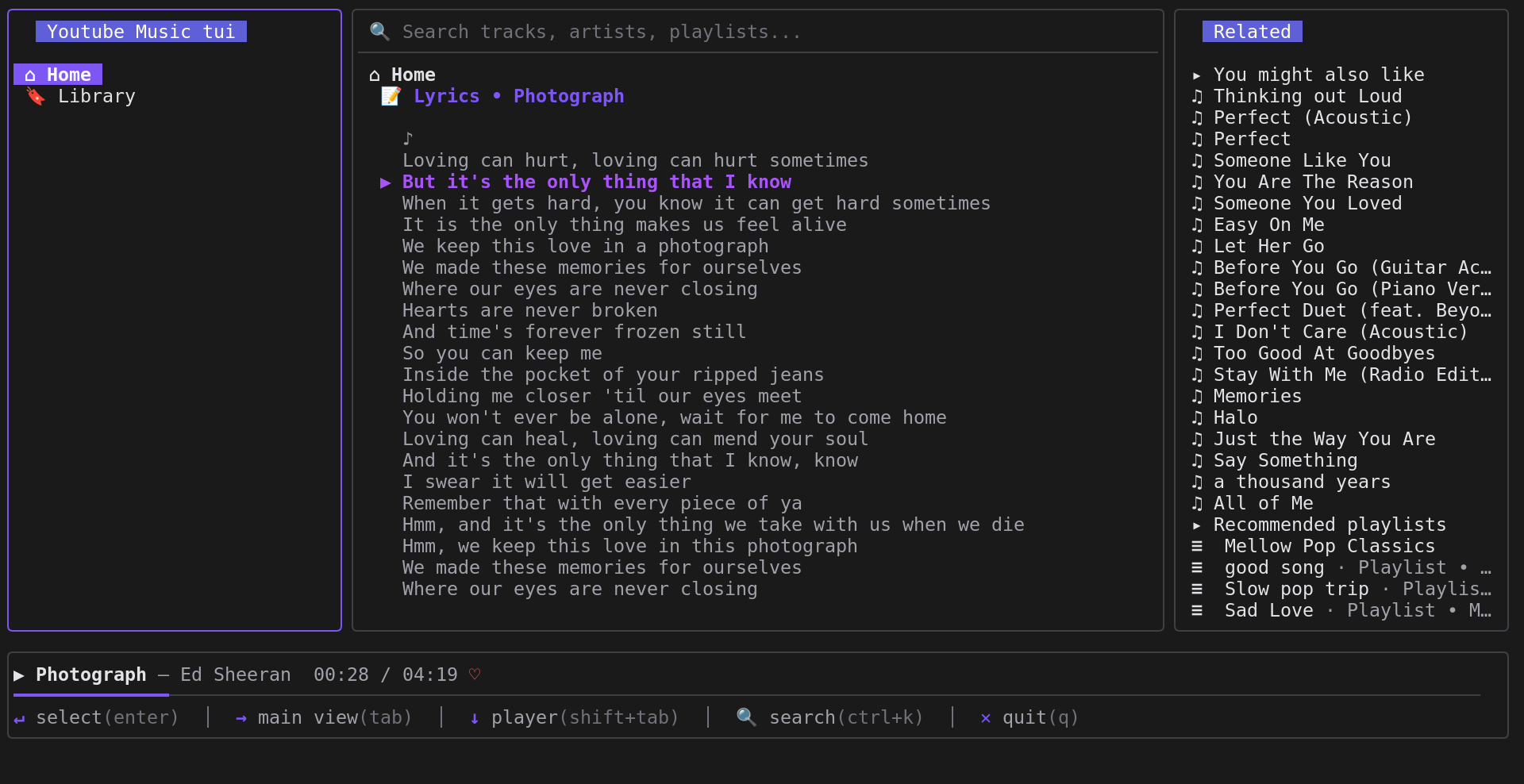
1. Installation
Download pre-built binaries from the GitHub Releases page, or run an installer script:
Linux / macOS
curl -fsSL https://raw.githubusercontent.com/Kumneger0/yt-tracks/main/install.sh | bashWindows (PowerShell)
iwr -useb https://raw.githubusercontent.com/Kumneger0/yt-tracks/main/install.ps1 | iexRequired System Prerequisites:
yt-dlp— Extracting and fetching YouTube Music audio stream URLs.ffmpeg— Audio stream decoding and playback.
Install ffmpeg using your system package manager:
- Ubuntu / Debian:
sudo apt install ffmpeg - Arch Linux:
sudo pacman -S ffmpeg - Fedora:
sudo dnf install ffmpeg - macOS:
brew install ffmpeg - Windows:
winget install ffmpegorscoop install ffmpeg
Install yt-dlp
Follow the yt-dlp GitHub Installation Guide
2. Quick Start
Authenticate with your local browser session and launch the client:
# 1. Extract session cookies automatically from installed browser (chrome, firefox, safari)
yt-tracks extract-cookies

# 2. Launch the client
yt-tracks
3. CLI Commands & Subcommands
| Command | Description |
|---|---|
| yt-tracks | Launch the interactive terminal user interface. |
| yt-tracks extract-cookies | Extract YouTube Music cookies from supported browsers (chrome, firefox, safari), verify via API, and store locally. |
4. Authentication Details
Automatic Cookie Extraction
yt-tracks extract-cookiesSupported browsers: chrome, firefox, safari.
Credentials are saved locally as browser.json in your config path:
- Linux: ~/.config/yt-tracks/browser.json
- macOS: ~/Library/Application Support/yt-tracks/browser.json
- Windows: %APPDATA%\yt-tracks\browser.json
5. TUI Keybindings
Navigation & Focus
| Key | Action |
|---|---|
Tab / Shift + Tab | Cycle focus forward / backward (Sidebar → Main → Queue) |
Ctrl + k | Focus search bar input |
j / Down | Navigate list item down / scroll lyrics down |
k / Up | Navigate list item up / scroll lyrics up |
Enter | Play selected track / open playlist, album, or section |
Esc | Unfocus search bar or return to main Home sections |
Playback & Queue Controls
| Key | Action |
|---|---|
Space | Play / Pause current track (when player focused) |
n | Next track in queue or playback context |
b | Previous track from history |
a | Add selected track to queue (works in Playlists, Albums, Search, Home sections, and Related list) |
r | Remove highlighted track from queue or related list |
l | Toggle Like (♥) / Unlike (♡) for current track |
Ctrl + l | Open synced lyrics overlay |
Ctrl + q | Toggle Queue List vs Related Tracks view mode |
q / Ctrl + c | Quit application |